

Rescuing a Church from Legacy Exchange
Read how Enuclea leveraged NPO pricing to successfully migrate a local church from an EOL Exchange server to a fully secured, $20/seat Enterprise Microsoft 365 stack.
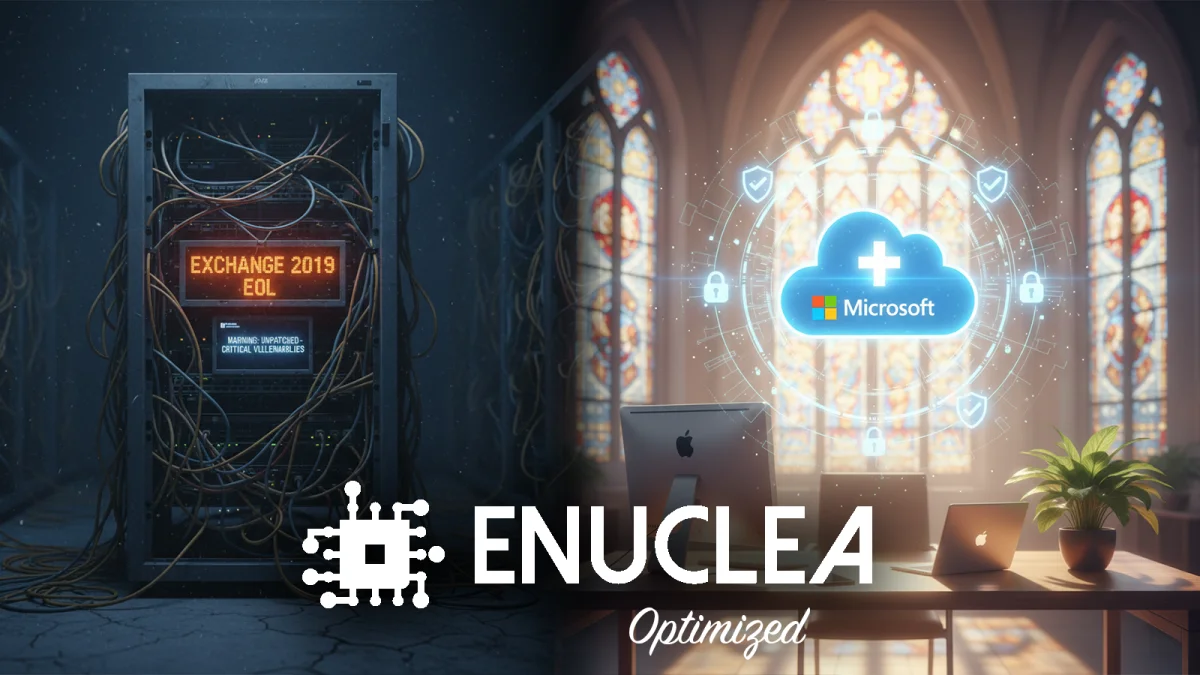
A mid-sized church in Stafford, VA was operating on a "working" legacy email environment. Mail flowed. Staff logged in. Day-to-day operations continued.
But beneath the surface, the environment wasn't resilient — and the cost of waiting was rising.
Their Exchange server was hosted on aging hardware in an unsupported configuration, backups were limited in granularity, and modern security controls had never been fully implemented. Nothing had failed yet — but if it did, recovery would be slow and expensive.
It was time to modernize before failure forced the decision.
[challenge]
The church's environment reflected a common nonprofit reality: "good enough" for years — until it isn't.
Key pressure points included:
- Unsupported Exposure: The Exchange server was running in a configuration that no longer received reliable security updates, leaving the organization exposed to unpatchable risk.
- All-or-Nothing Recovery: Backups required full database restoration. Recovering a single deleted mailbox item meant restoring the entire environment.
- Hardware Refresh Pressure: The physical server was nearing a mandatory replacement cycle, representing a five-figure capital expense.
- Identity & Security Gaps: Multi-factor authentication was not universally enforced, spam filtering was basic, and no structured security awareness program was in place.
Nothing had catastrophically failed — but the organization was one incident away from downtime, data loss, or a costly emergency response.
[/challenge]
[solution]
Rather than refresh aging infrastructure, Enuclea designed a modernization path centered on Microsoft 365 — leveraging nonprofit (NPO) pricing to deliver enterprise-grade protection at a sustainable per-seat cost.
The transition included:
- Microsoft 365 Business Premium for modern identity, device management, and security controls.
- Cloud-to-cloud backup to enable granular, point-in-time recovery of mailboxes and SharePoint data.
- Full MFA enforcement and Conditional Access policies to reduce credential-based attack risk.
- Security awareness training with structured phishing simulations to build a human defense layer.
- Migration to cloud identity (Entra ID) to eliminate dependence on a single on-premise server.
- SharePoint roadmap planning to prepare for future file server retirement and reduce long-term hardware burden.
The migration was completed ahead of schedule, cutting over cleanly before further hardware instability could impact operations.
[/solution]
[results]
The church moved from a fragile, reactive posture to a stable and recoverable baseline.
Key outcomes:
- Avoided Major Capital Expense: Bypassed more than $10,000 in hardware refresh and licensing costs.
- Modern Security Baseline: Achieved enforced MFA, structured identity control, advanced spam protection, and active endpoint monitoring.
- Granular Recoverability: Individual emails and data can now be restored in seconds — without restoring entire databases.
- Reduced Operational Risk: Eliminated a single on-premise failure point.
- Documented Incident Readiness: Leadership now has a defined response posture and a staff trained to recognize threats.
The result wasn't just a migration — it was the removal of a structural risk that had quietly accumulated over time.
[/results]
[technical]
1. Identity Modernization: Eliminating Local Authority Risk
The legacy environment relied on a single on-premise Active Directory domain controller for authentication and authorization. That created three structural risks:
- Authentication depended on a single physical server.
- Administrative access was concentrated in a small number of global accounts.
- Compromise of the domain controller would cascade across mail, file access, and user identity.
We transitioned identity to Microsoft Entra ID (Azure AD) as the authoritative identity provider.
Controls implemented:
- Tenant-wide enforced MFA (no opt-outs)
- Conditional Access policies restricting sign-ins by:
- Device compliance state
- Geographic anomaly detection
- Legacy authentication blocking
- Privileged role separation (Global Admin isolated, day-to-day admin delegated)
- Removal of legacy NTLM exposure where possible
This removed the domain controller as a single point of authentication failure and shifted identity enforcement to a resilient, cloud-native authority.
2. Mail Security: Layered Phishing & Impersonation Defense
Microsoft 365 provides baseline filtering — but baseline filtering is not layered defense.
We deployed a multi-layered mail security posture:
- Microsoft Defender policies hardened beyond default thresholds
- IronScales for AI-driven phishing detection and post-delivery remediation
- Community-driven threat intelligence ingestion
- Automated mailbox-wide message recall upon confirmed malicious detection
- Ongoing phishing simulation tied to staff training cadence
Why this matters:
Most nonprofit compromises occur via credential harvesting or business email compromise (BEC). Post-delivery detection and automated removal reduce dwell time dramatically.
This shifts email security from:
"User reports suspicious message."
to:
"Message identified and removed tenant-wide automatically."
3. Endpoint & Operational Monitoring: Behavioral Detection, Not Just AV
Signature-based antivirus alone is insufficient against modern lateral movement and ransomware behavior.
The environment was standardized on:
- ThreatDown MDR for behavioral endpoint detection
- Continuous telemetry monitoring for anomalous process activity
- Centralized patch enforcement
- Real-time alert triage
- Remote Monitoring & Management (RMM) for:
- Device health
- Disk degradation
- Update compliance
- Early hardware instability signals
In fact, predictive instability alerts from monitoring tools flagged degradation patterns before catastrophic server failure occurred — allowing the migration to happen proactively.
This is the difference between:
Responding to an outage.
and:
Scheduling around one.
4. Independent Backup Architecture: True Recoverability
Microsoft 365 retention policies are not backup.
Retention protects against user error within the tenant. It does not protect against tenant-level compromise, encryption events, or malicious administrative deletion.
We implemented:
- Axcient cloud-to-cloud backup
- Independent credential isolation from the primary Microsoft tenant
- Granular mailbox, SharePoint, and OneDrive restore
- 3-2-1 alignment (production + independent cloud copy)
Recovery scenarios now include:
- Individual email restore in seconds
- SharePoint library rollback
- Tenant-level disaster restoration
- Protection from ransomware encryption inside the tenant
This eliminates "all-or-nothing" database restores that previously required full environment rollback.
Architectural Outcome
The modernization was not about moving to Microsoft 365.
It was about:
- Removing single points of failure
- Reducing blast radius in compromise scenarios
- Enforcing identity discipline
- Adding behavioral detection
- Ensuring independent recoverability
The stack is layered intentionally so no single control failure cascades across the environment.
Modernization isn't about chasing new tools — it's about eliminating fragility.
If your environment still depends on:
- A single domain controller
- A single global admin account
- Default security policies
- Retention instead of backup
It may be time to reassess the architecture.
Start with a Baseline Conversation Call, email, or send a short note — whichever is easiest.
[/technical]
Retiring legacy Exchange, WorkMail, or US Internet email cleanly?
Book a free 15-minute call with Founder Daniel Quigley-Skillin (schedule online ↗ — 24-hour advance notice) or call our Stafford dispatch line directly at (703) 239-4620.